Still Running Office 2016 or 2019? The Clock Has Stopped
Still Running Office 2016 or 2019? The Clock Has Stopped
Microsoft Office has been the backbone of business productivity for decades. From the contracts drafted in Word to the budgets built in Excel and the presentations polished in PowerPoint, these tools are woven into the daily operations of organisations across Ireland.
But what happens when critical support for this software disappears?
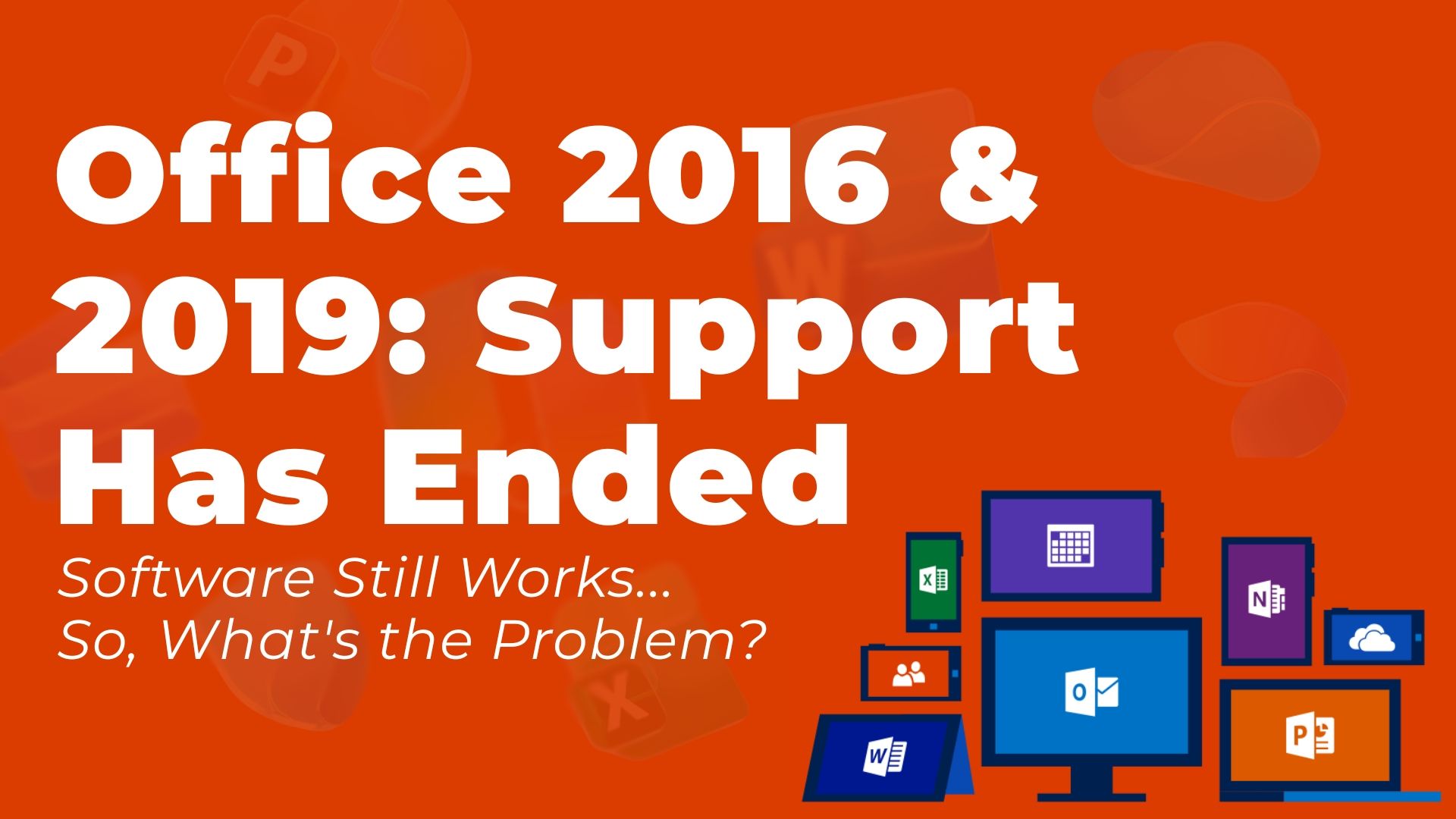
On 14th October 2025, Microsoft officially ended support for Office 2016 and Office 2019. There will be no extension. No extended security updates. For the many Irish businesses still running these versions, this isn't a distant concern - it's a present reality that demands attention.
The Support Has Ended - But the Software Still Works. So, What's the Problem?
This is the question we hear most often. Your Office applications will continue to open. Documents will still save. Emails will still send. On the surface, nothing has changed.
But beneath that familiar interface, a clock is now ticking.
Microsoft will no longer patch security vulnerabilities discovered in Office 2016 or 2019. Any flaw found from this point forward - whether in how Outlook handles attachments, how Excel processes macros, or how Word renders embedded content - will remain open indefinitely.
Cybercriminals know this. They actively target unsupported software because they understand that the vulnerabilities they exploit will never be fixed. It's not a question of whether these older Office versions will be targeted, but when.
Learning from Recent History
Irish businesses don't need to look far for examples of what happens when organisations delay critical IT upgrades.
The 2021 HSE cyberattack demonstrated the devastating impact that can occur when systems aren't adequately protected. A single malicious email, opened in March 2021, ultimately led to months of disruption, with 70% of the HSE's IT servers requiring decryption and recovery efforts extending well into September.
While that attack exploited different vulnerabilities, the underlying lesson is clear: outdated and unpatched systems create openings that attackers will find and exploit.
The Risks Compound Over Time
Running unsupported Office isn't a static risk - it grows worse with each passing month. Here's why:
Security exposure increases. Every vulnerability discovered after October 2025 remains permanently open. As security researchers and threat actors continue to probe these applications, the list of exploitable weaknesses will only grow.
Compatibility erodes. New file formats, updated security protocols, and evolving integrations with services like Microsoft Teams, OneDrive, and SharePoint will increasingly cause friction. Email servers adopting newer TLS standards may eventually refuse connections from older Outlook clients.
Compliance becomes problematic. For organisations operating under GDPR, DORA, or NIS-2 requirements, running unsupported software creates audit and compliance challenges. Cyber insurers are also scrutinising policyholder environments more closely - unsupported applications could affect your coverage or claims.
The upgrade becomes harder. The longer you wait, the more complex the migration. File formats drift, user habits calcify around outdated workflows, and the gap between your current environment and modern platforms widens.
Windows 10 Reached End of Support on the Same Day
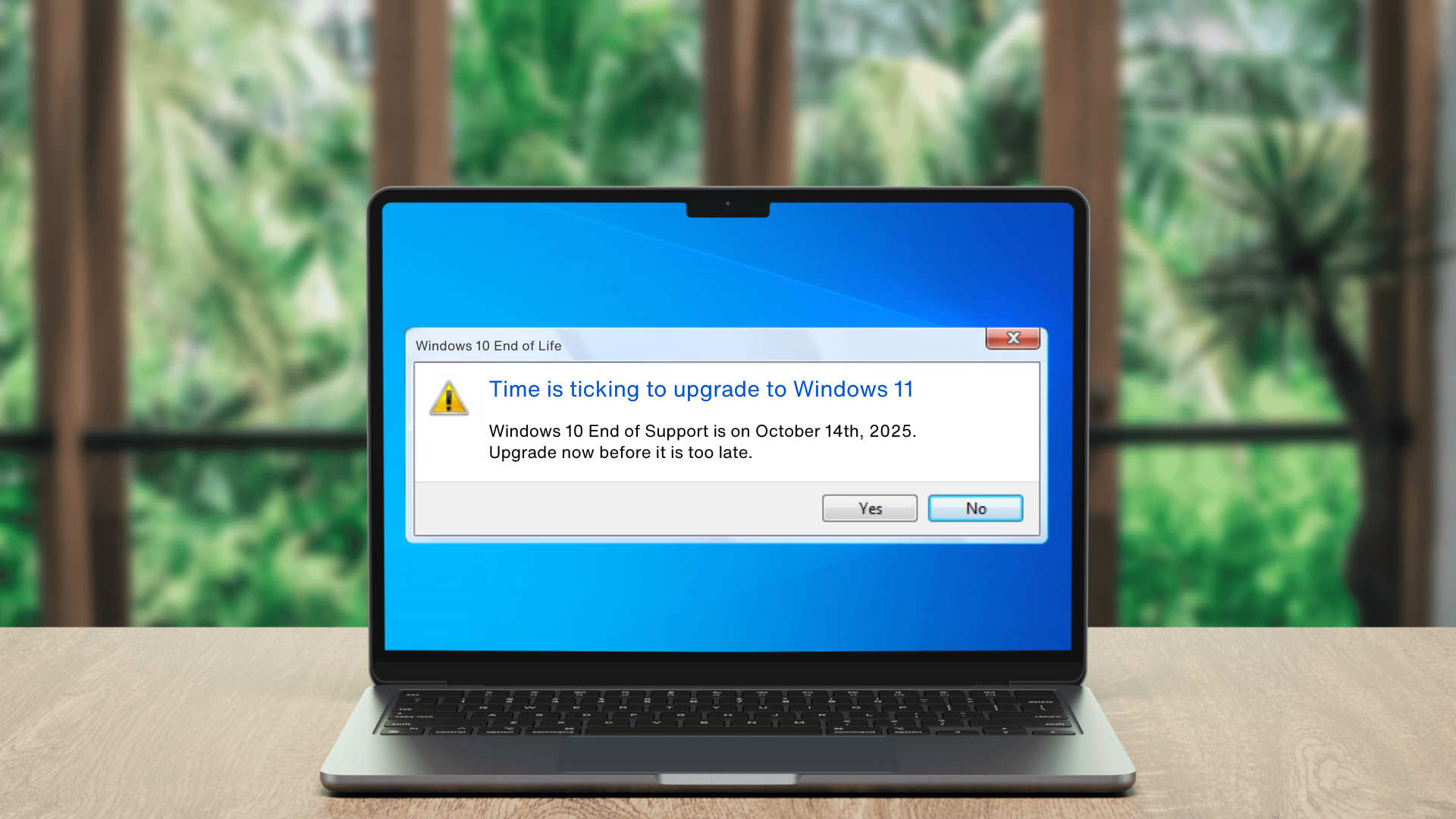
It's worth noting that Windows 10 also reached end of support on 14th October 2025 -the very same day as Office 2016 and 2019. Organisations running both face compounded risks and should consider addressing them together rather than piecemeal.
We wrote about this extensively in our previous article, Countdown to Windows 11: Why Upgrading Now is a Must Before Time Runs Out. The parallels are striking, and the solution is similar: plan early, execute smoothly, and don't wait for a security incident to force your hand.
Your Path Forward
Microsoft offers several upgrade options, each suited to different organisational needs. It’s also worth noting that Microsoft Office 2021 remains supported until 13th October 2026, giving organisations on that version a limited window to plan their next move. Your options:
Microsoft 365 provides continuous security updates, the latest features, and seamless integration with Teams and collaboration tools. It's also AI-ready - Microsoft Copilot can assist with drafting, analysis, and presentations across Word, Excel, PowerPoint, and Outlook. These AI capabilities aren't available in perpetual Office versions.
Office 2024 offers a one-time purchase with support until October 2029, suitable for organisations that prefer to avoid subscriptions.
Office LTSC 2024 serves specialised environments requiring offline functionality, also supported until October 2029.
The right choice depends on your organisation's size, budget, compliance requirements, and how your team’s work. There's no one-size-fits-all answer.
How Infinity IT Can Help
At Infinity IT, we've guided many organisations through technology transitions - from operating system upgrades to full cloud migrations. We understand that changing the tools your team relies on daily requires careful planning and clear communication.
Our approach starts with understanding your current environment: which devices are affected, what workflows depend on legacy features, and where the risks are highest. From there, we develop a migration plan that minimises disruption while ensuring your systems remain secure and compliant.
If you're unsure which Office version your organisation is running, or if you've been putting off this conversation, now is the time to act.
Contact Infinity IT today to discuss your options.
Your IT Upgrade Starts Here: Contact Us for a Complimentary Assessment
Contact Us